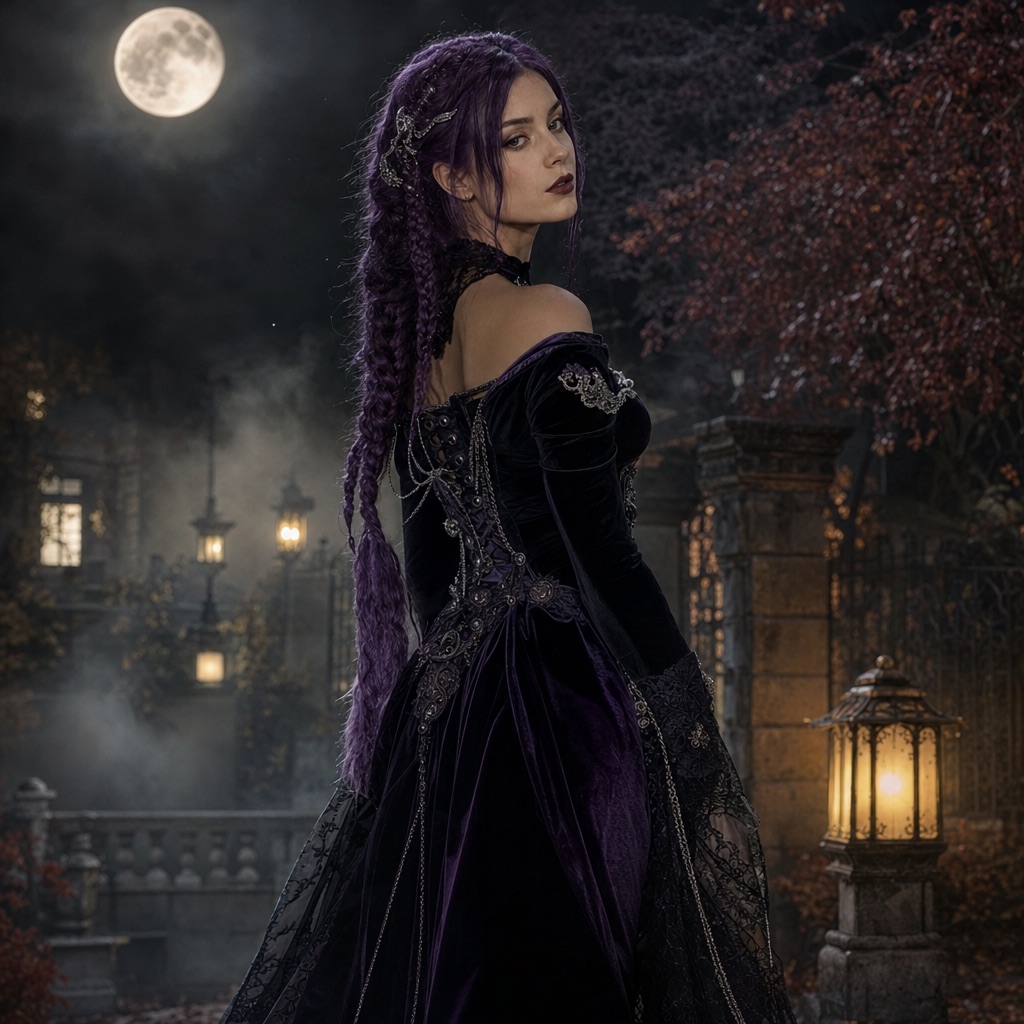
Midnight Braids
1 photoA gothic editorial portrait with long violet braids, velvet, and a moonlit garden.
Open this presetThis generator turns one ordinary photo into a Halloween costume portrait. You choose a look, upload a selfie, and the model changes the hairstyle, outfit, and background while keeping the face recognizable. It is the fastest way to test a costume idea without buying or sewing anything.
The page includes six ready-to-run looks rather than an empty prompt box. Each one has an example image and a full prompt recipe, so you can see the intended result before spending credits. If you already have a costume photo and only want a better background, use the photo editor workflow instead.
80 credits per image. Video costs more and is shown before you generate. No app install.
This seasonal guide is written in English. Interface labels follow your selected language.
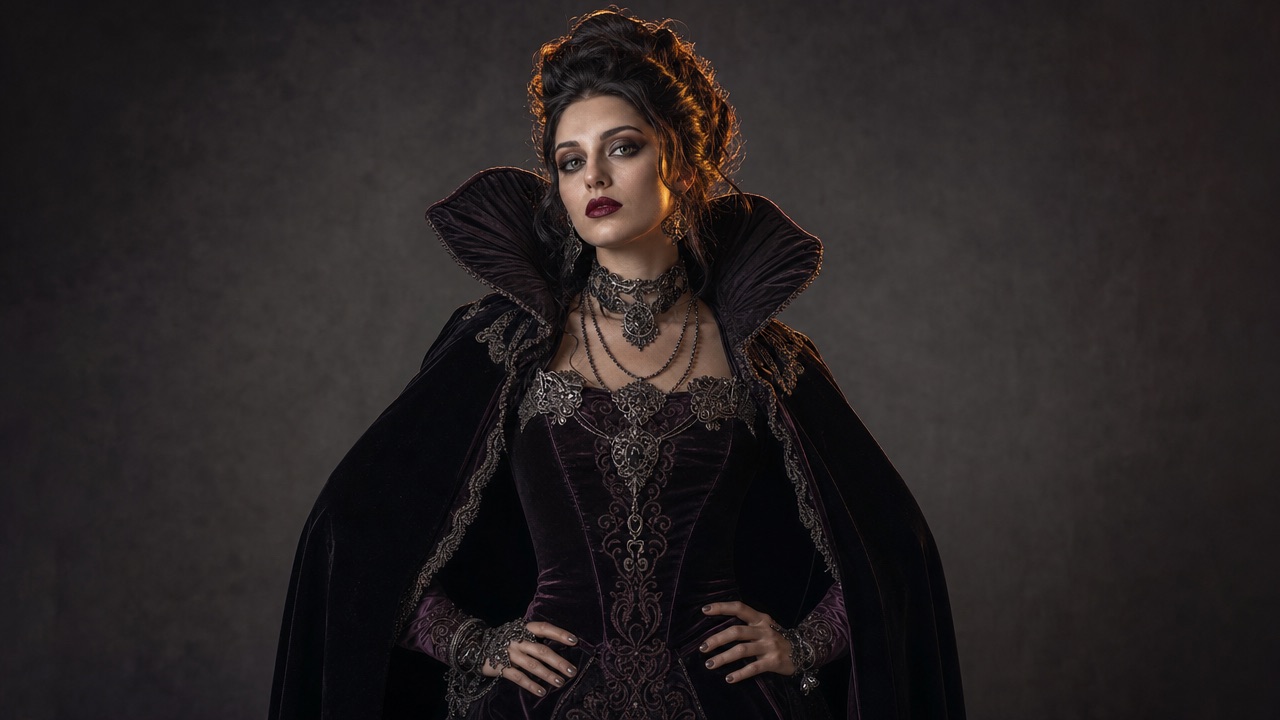
A single front-facing selfie is enough for every single-person preset. No studio, backdrop, or special camera is required.
Gothic braids, a cosmic princess, a wearable robot, a pumpkin pet, an original haunted unicorn, and a two-person cowboy-and-angel scene.
Every look shows the exact prompt. Change the color palette, setting, or costume details and keep the identity and anatomy constraints.
Each card opens the studio with the prompt and mode already loaded. Upload a photo and press generate.
A gothic editorial portrait with long violet braids, velvet, and a moonlit garden.
Open this preset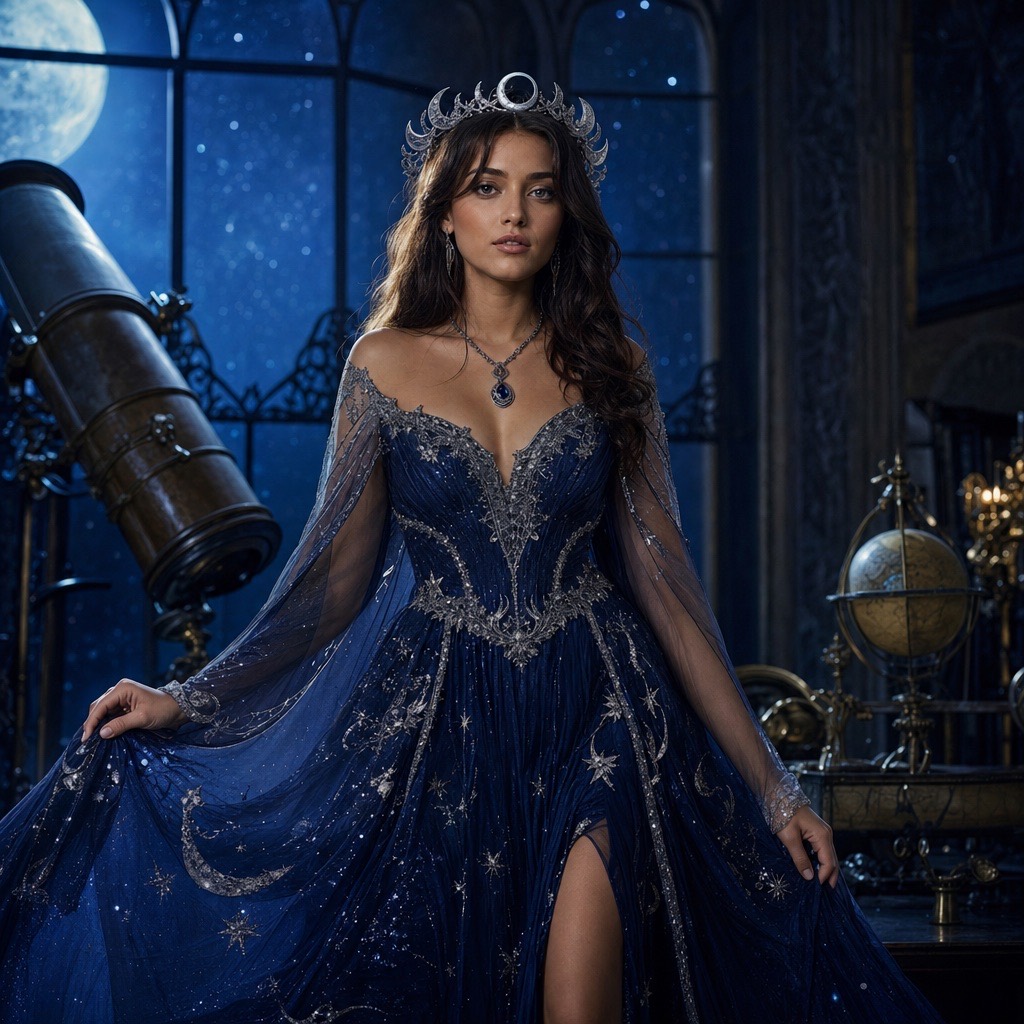
A celestial princess portrait with a midnight-blue gown, silver embroidery, and a starry observatory.
Open this preset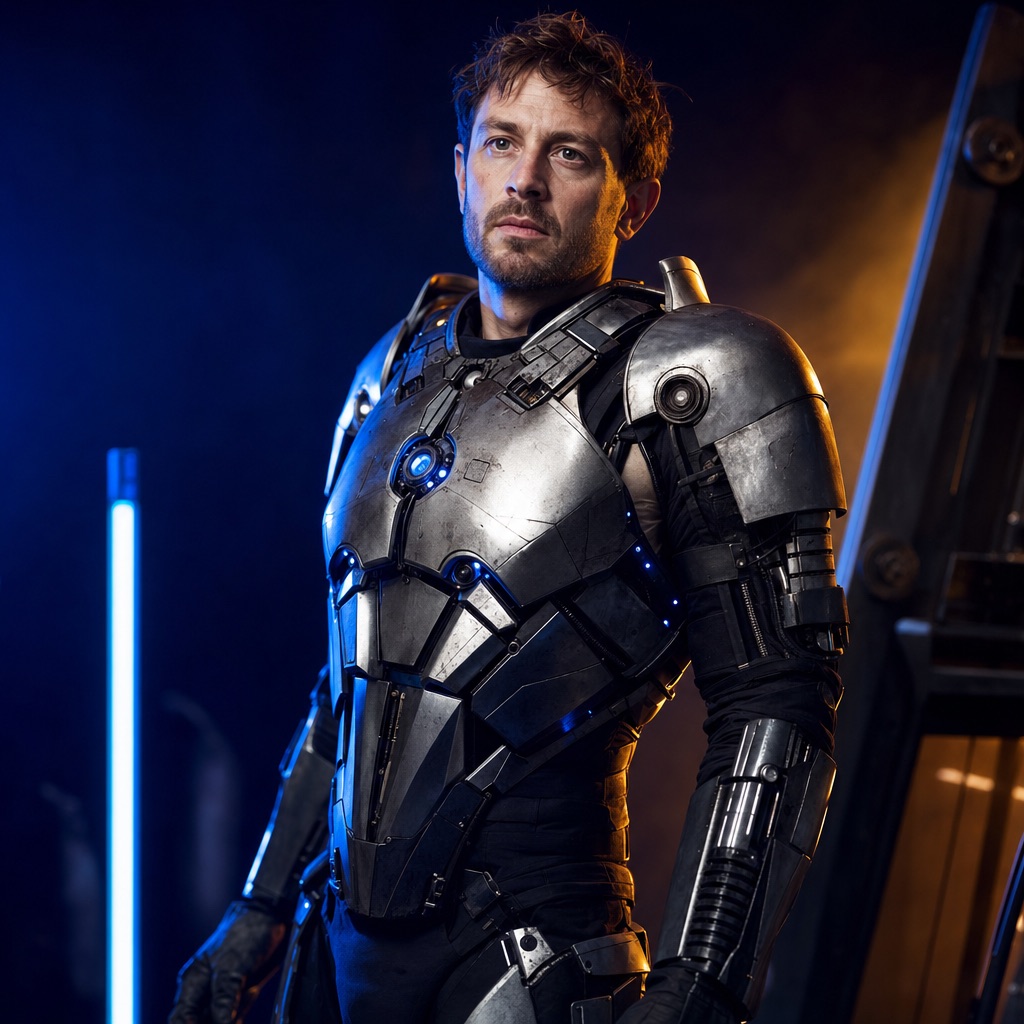
A wearable robot costume with metal panels and blue LEDs, built around a real face.
Open this preset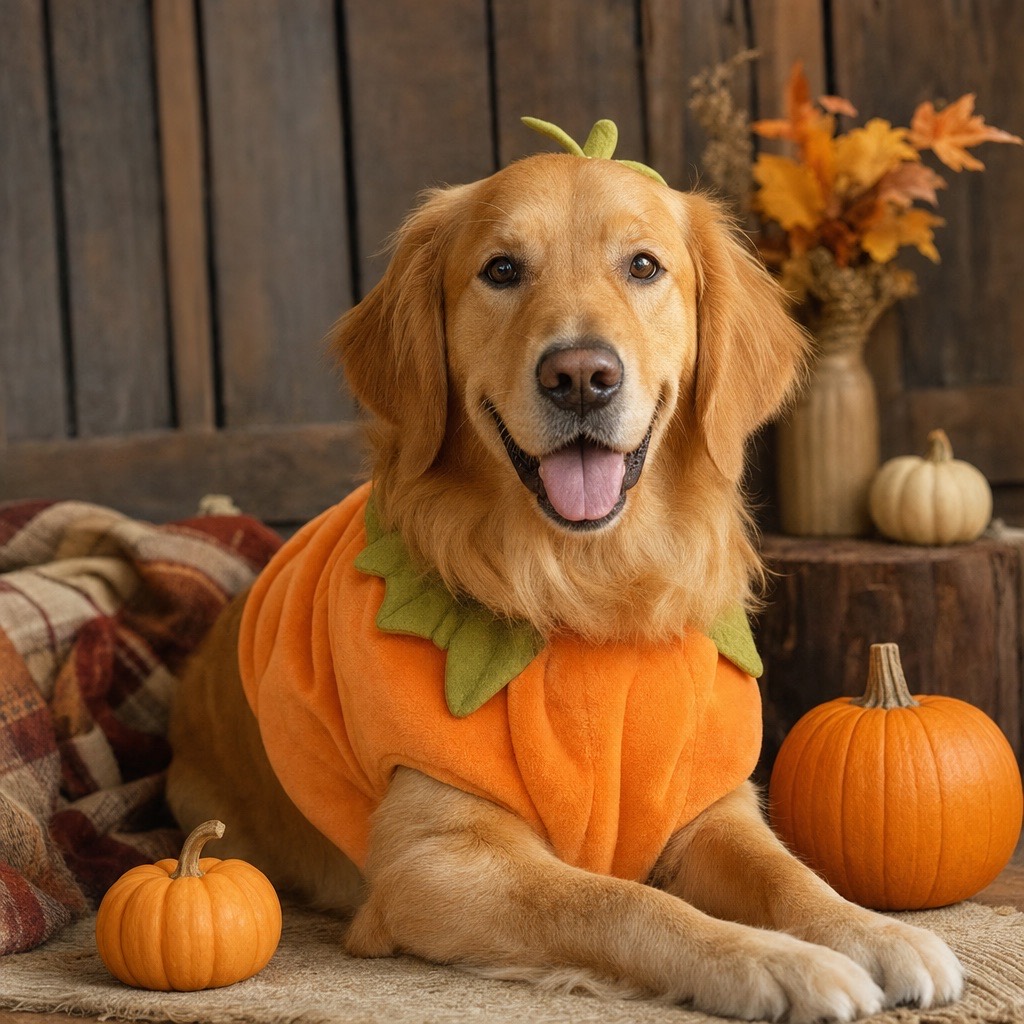
A cozy autumn pet portrait with a soft pumpkin costume that keeps the animal recognizable.
Open this preset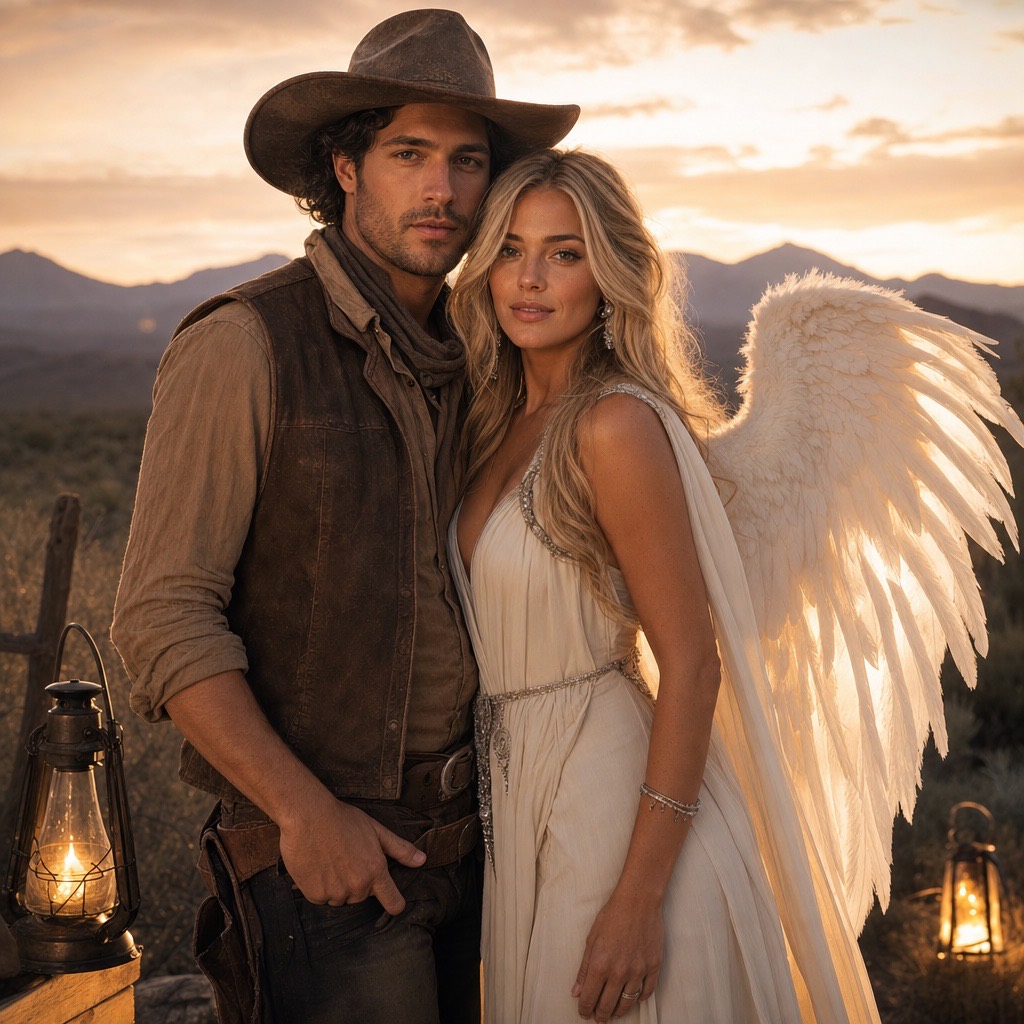
A two-person Halloween portrait that keeps both faces consistent in one coordinated scene.
Open this preset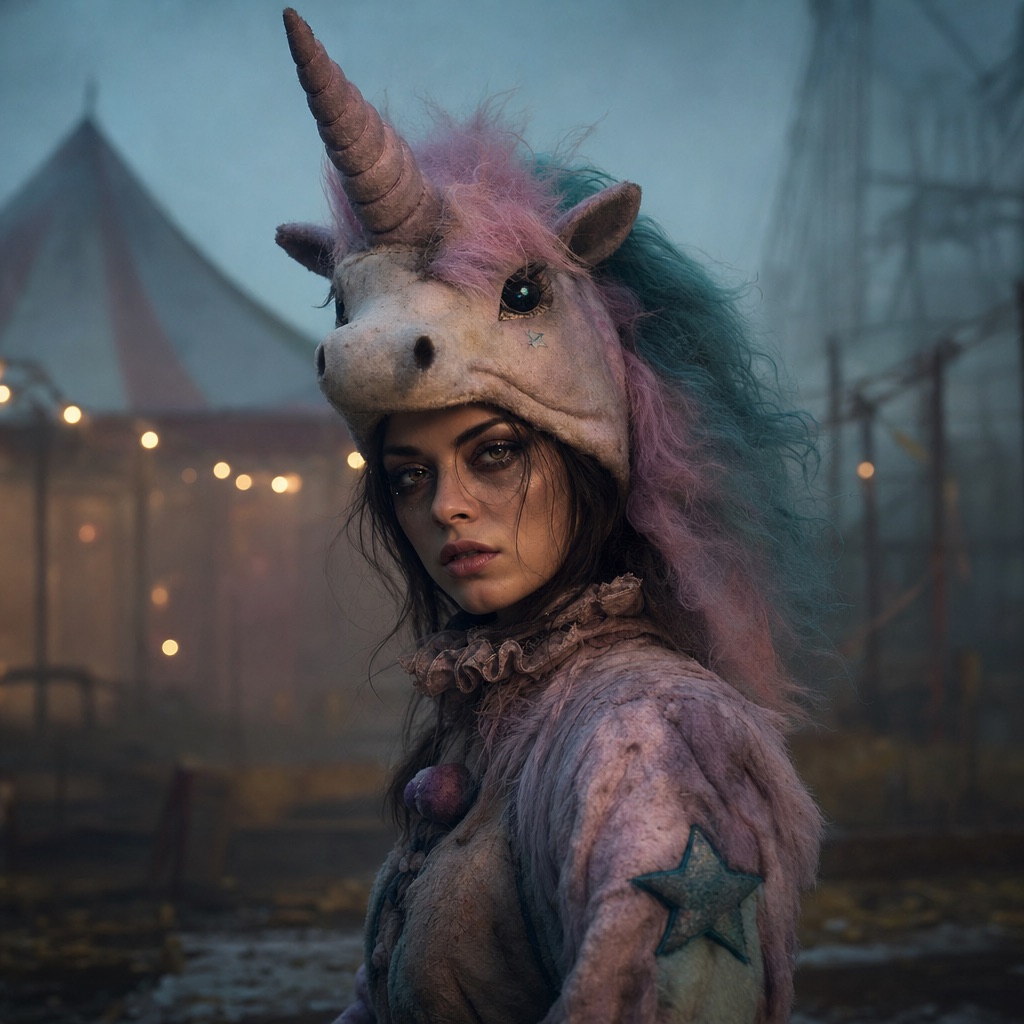
An original haunted-carnival unicorn mascot look with a wearable headpiece and a knowing smile.
Open this presetUse a photo where the face is sharp, evenly lit, and looking toward the camera. A plain background helps the model separate hair and shoulders from the scene it is about to create. Waist-up framing gives the best balance: the model has enough body to place a costume without inventing a full pose.
Avoid group photos, heavy beauty filters, strong colored lighting, and faces turned away from the camera. Glasses usually survive, but thin frames can merge with a hat or headpiece. If the result looks like a different person, the source photo is the first thing to change, not the prompt.
The strongest results are costumes with a clear silhouette: a velvet gown, armored shoulders, a plush mascot headpiece, or a western hat and vest. The model understands fabric, metal, fur, and fog well. It is weaker at precise logos, licensed character details, and costumes that depend on a specific prop held in the hand.
For a family or group, generate each person separately against a similar background, then combine the results in a photo editor. A single generation with three or more faces is more likely to swap identities or add an extra person. For two people, use the dedicated Cowboy & Angel preset, which accepts two reference photos.
A good costume prompt is explicit in both directions. It says what to preserve — face, skin tone, age, body proportions, number of people — and what to replace — hair, clothing, background, lighting. It also lists what to avoid: extra limbs, duplicated fingers, distorted anatomy, text, logos, and watermarks.
This structure is why the preset results look consistent. If you write only “make me a vampire,” the model has freedom to change the face as well as the costume. If you paste the full recipe, the identity constraints stay in the instruction even when you edit the creative parts.
An image generation costs 80 credits. That is the same price whether you use a single-person look, a pet look, or the two-person couple look. Video is priced separately because it renders many frames.
Most edits finish within one to three minutes. If the result is close but not right, change one variable at a time: the source photo, the background, or one costume detail. Regenerating the same prompt with no changes usually produces a similar image with different random details.
It is not a virtual try-on service that guarantees a real garment will fit. It generates an image of a costume, not a sewing pattern or a product listing. It also cannot verify that a costume is safe, culturally appropriate, or licensed; those judgments belong to the person publishing the photo.
It is not a face-swap tool for other people. Upload your own photo, or a photo you have explicit permission to edit. Do not use it to make someone appear to wear something they did not agree to wear.
An image generation costs 80 credits in the studio. A video costs more because it renders many frames; the exact amount is shown before you confirm.
The prompt asks the model to preserve facial identity, proportions, skin tone, and age. It is a strong constraint, not a guarantee. Sharp, front-facing, evenly lit photos preserve identity best; extreme angles and heavy filters reduce accuracy.
Only with their permission. The two-person Cowboy & Angel preset accepts two photos so each person can be represented deliberately, but permission is still required before uploading or publishing.
Low-resolution sources, strong existing filters, and prompts that ask for too many simultaneous changes tend to produce a painted look. Start from a sharp photo and change one category at a time: costume first, then background, then lighting.
Yes, for personal use, subject to the terms that apply to your account and the model provider. Do not present a generated image as a photograph of a real product or as an official costume from a film or brand.
Edit a photo for Halloween: swap the background, add fog and lantern light, refine costume details, and keep the face recognizable. 80 credits per image.
AI Halloween Trends 2026The 2026 Halloween looks people are searching for, translated into AI photo and video presets: haunted unicorn, midnight braids, cosmic princess, robot.
Midnight Braids Halloween LookTurn a selfie into a gothic Halloween portrait with long violet braids, a velvet outfit, and a moonlit garden. Full prompt recipe, 80 credits per image.
Cosmic Princess Halloween PortraitCreate a celestial Halloween princess portrait with a midnight-blue gown, silver embroidery, and a starry observatory. Full prompt and 80-credit generation.
Pumpkin Pet Halloween PhotoTurn a pet photo into a cozy Halloween portrait with a soft pumpkin costume, autumn studio lighting, and preserved fur markings. Full prompt and 80 credits.
Cowboy & Angel Couple Halloween PhotoUpload two photos and generate a coordinated couple Halloween portrait: one western cowboy look, one luminous angel look, both faces preserved. 80 credits.
Halloween AI Video EffectsTurn a Halloween portrait into a short AI video: slow head turn, drifting fog, glowing lanterns, and a gentle camera push-in. Image-to-video in the browser.
Last updated October 20, 2026. Prices and credit costs can change; the pricing page and the generator show the current amount before you confirm a generation.