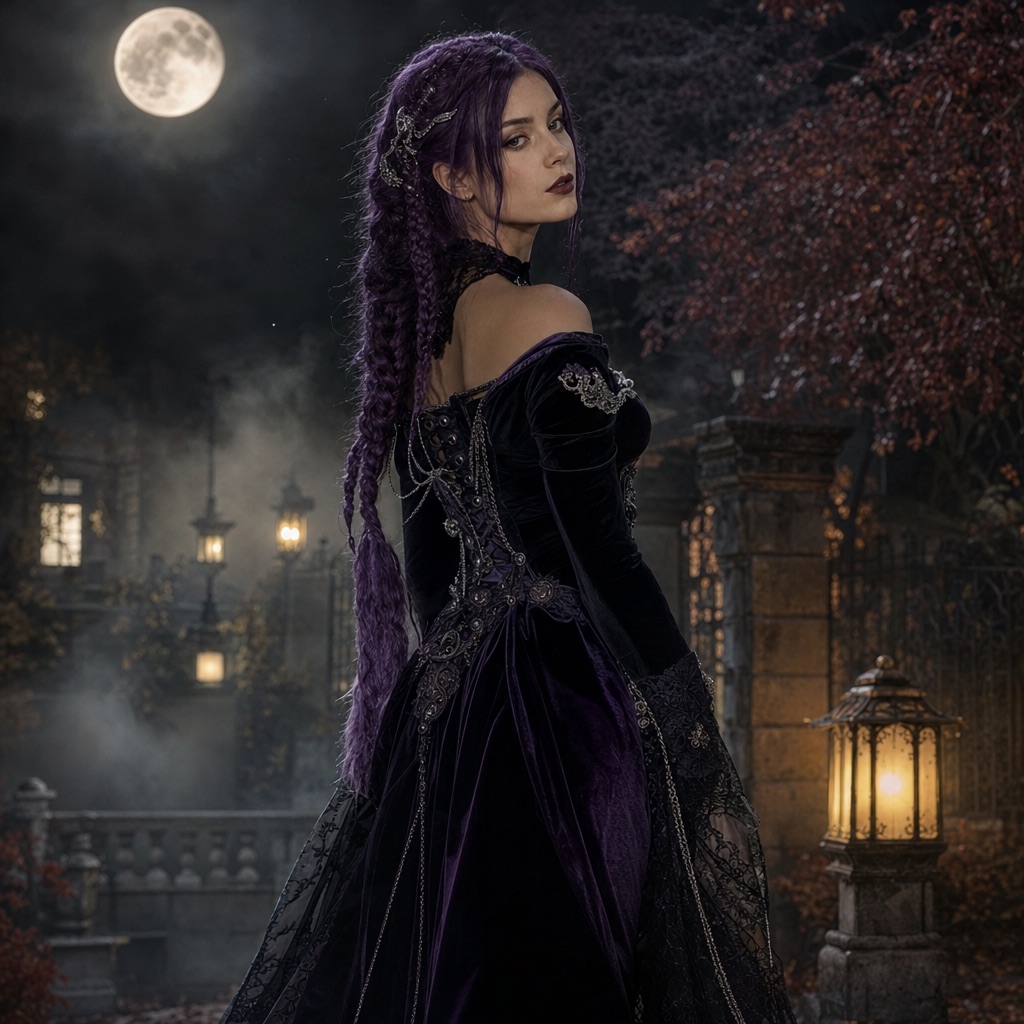
Midnight Braids
1 photoA gothic editorial portrait with long violet braids, velvet, and a moonlit garden.
Open this presetThis is a working Halloween photo and video studio, not an article about one. Upload a photo, choose a look, and the generator edits the image with your face, outfit, and background described in plain language. You can stop at a still portrait or animate the result into a short clip.
Every look on this page is a structured prompt recipe. You can use the form directly, copy the prompt into another image model, or open the prompt library and adapt it. Image generations cost 80 credits; video costs more, and the exact amount is shown before you confirm.
80 credits per image. Video costs more and is shown before you generate. No app install.
This seasonal guide is written in English. Interface labels follow your selected language.
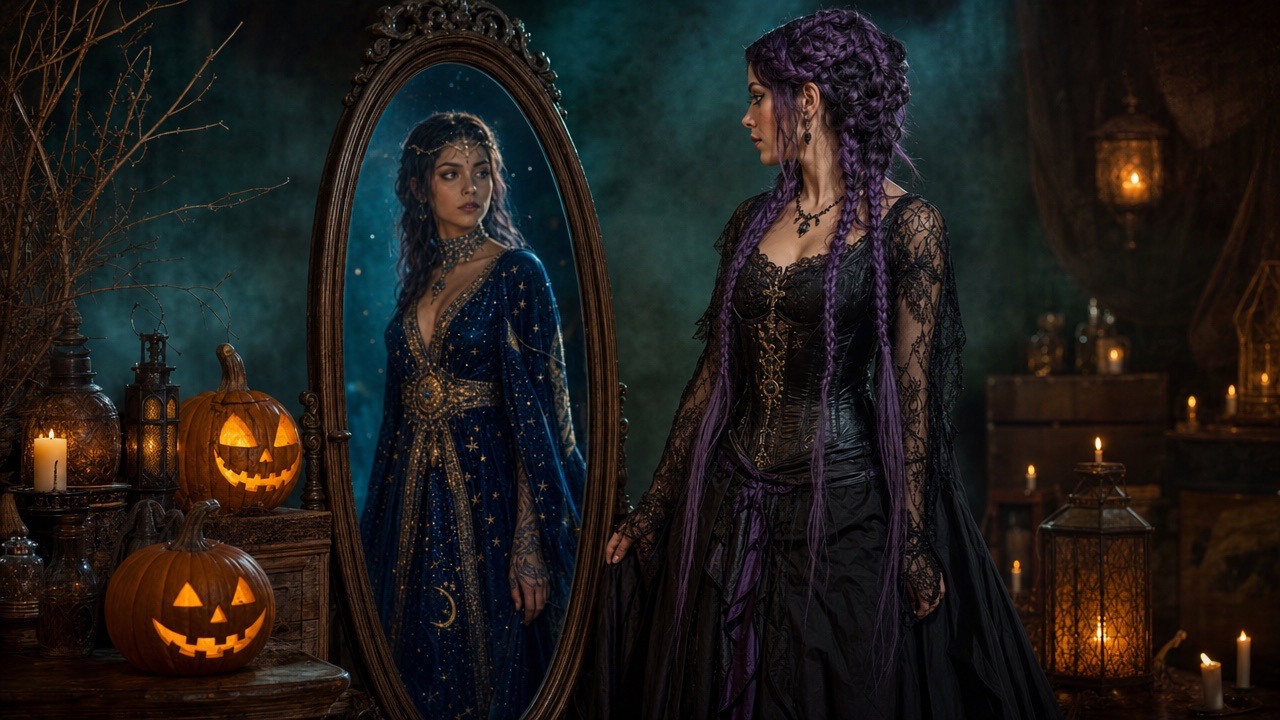
Turn a selfie into a gothic portrait, a cosmic princess, a wearable robot costume, a pet portrait, or a two-person scene.
Animate a finished portrait with a slow head turn, moving hair, drifting fog, and a gentle camera push-in.
Copy 20 prompts for costume portraits, pets, couples, and short videos, with notes on what to preserve and avoid.
Each card opens the studio with the prompt and mode already loaded. Upload a photo and press generate.
A gothic editorial portrait with long violet braids, velvet, and a moonlit garden.
Open this preset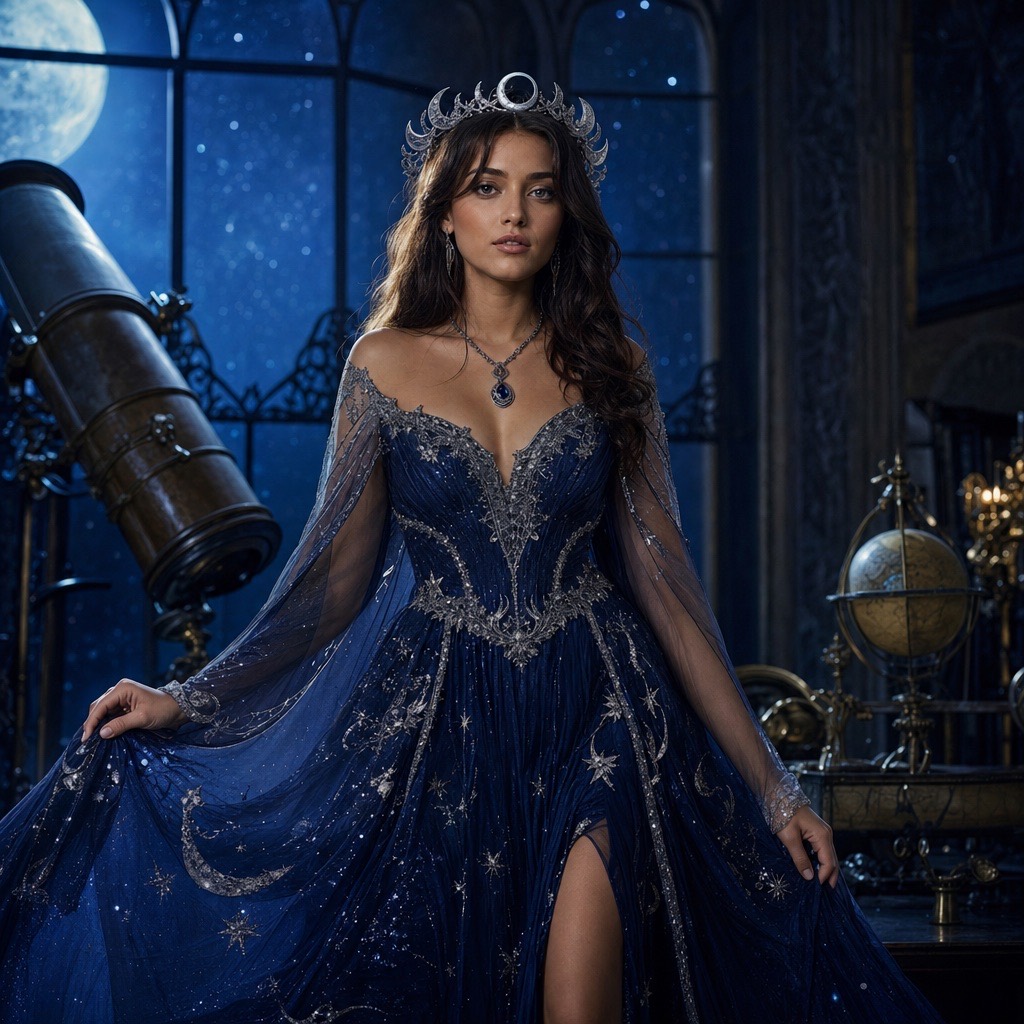
A celestial princess portrait with a midnight-blue gown, silver embroidery, and a starry observatory.
Open this preset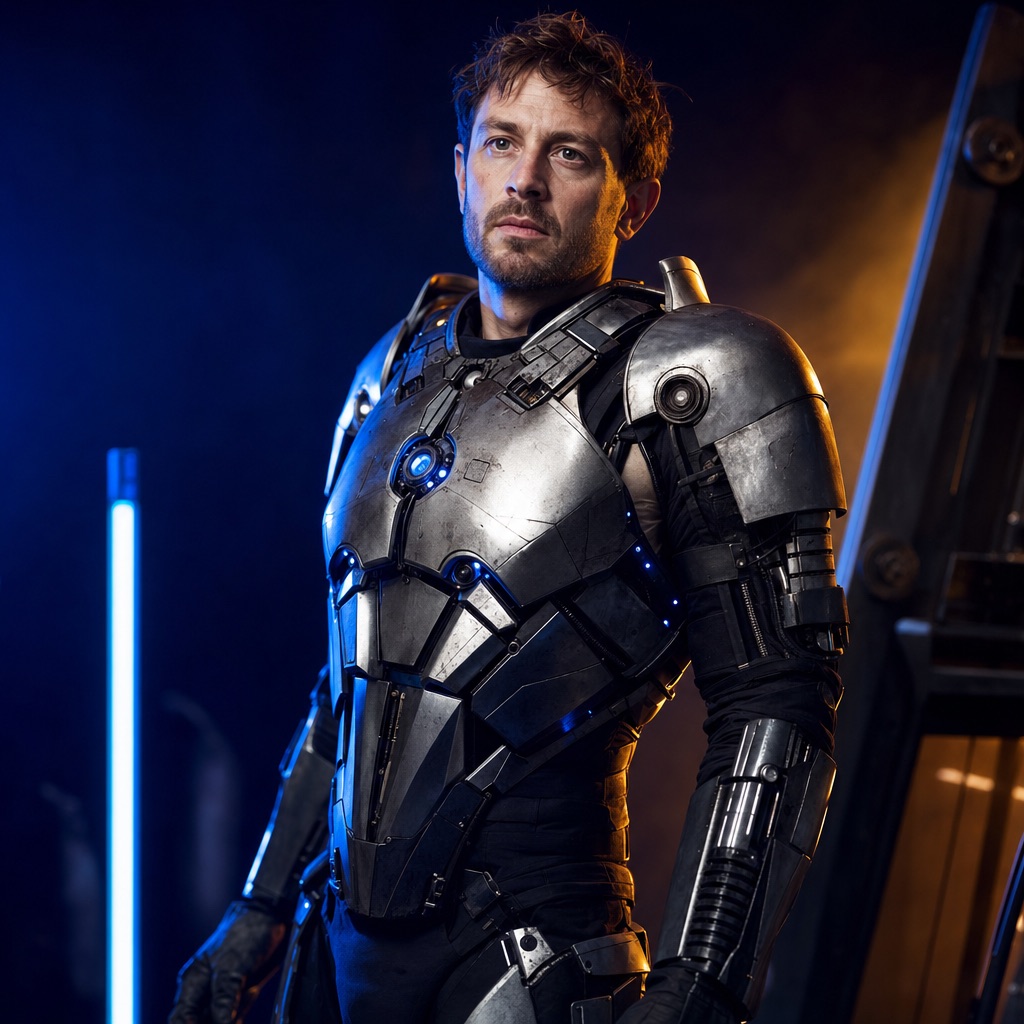
A wearable robot costume with metal panels and blue LEDs, built around a real face.
Open this preset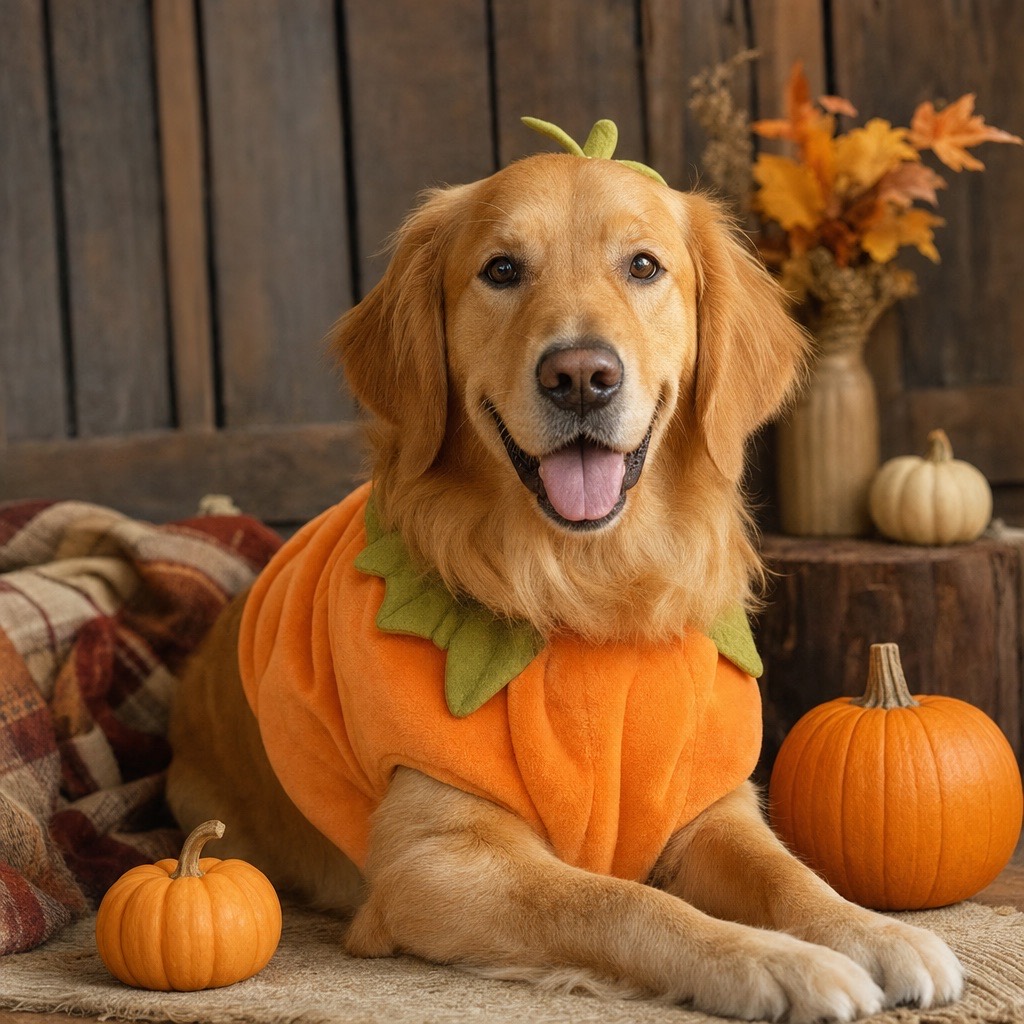
A cozy autumn pet portrait with a soft pumpkin costume that keeps the animal recognizable.
Open this preset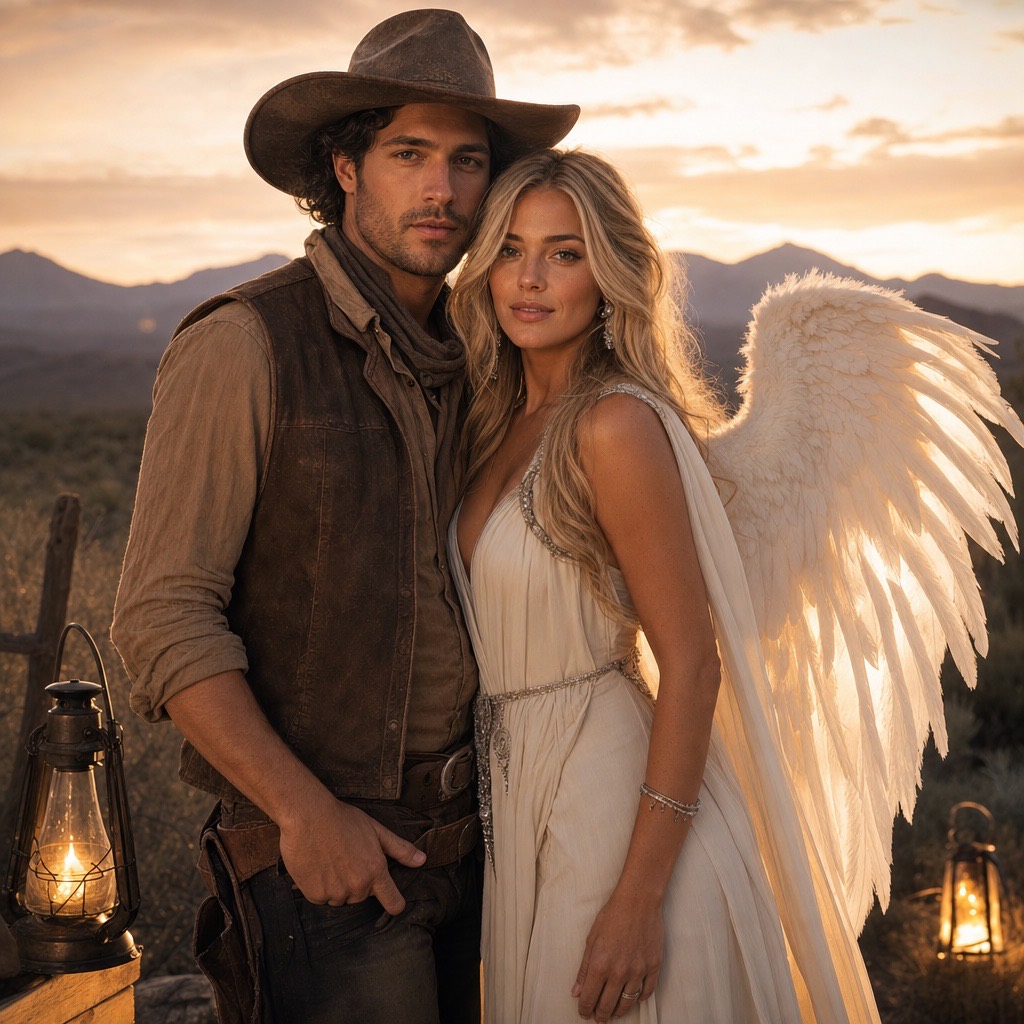
A two-person Halloween portrait that keeps both faces consistent in one coordinated scene.
Open this preset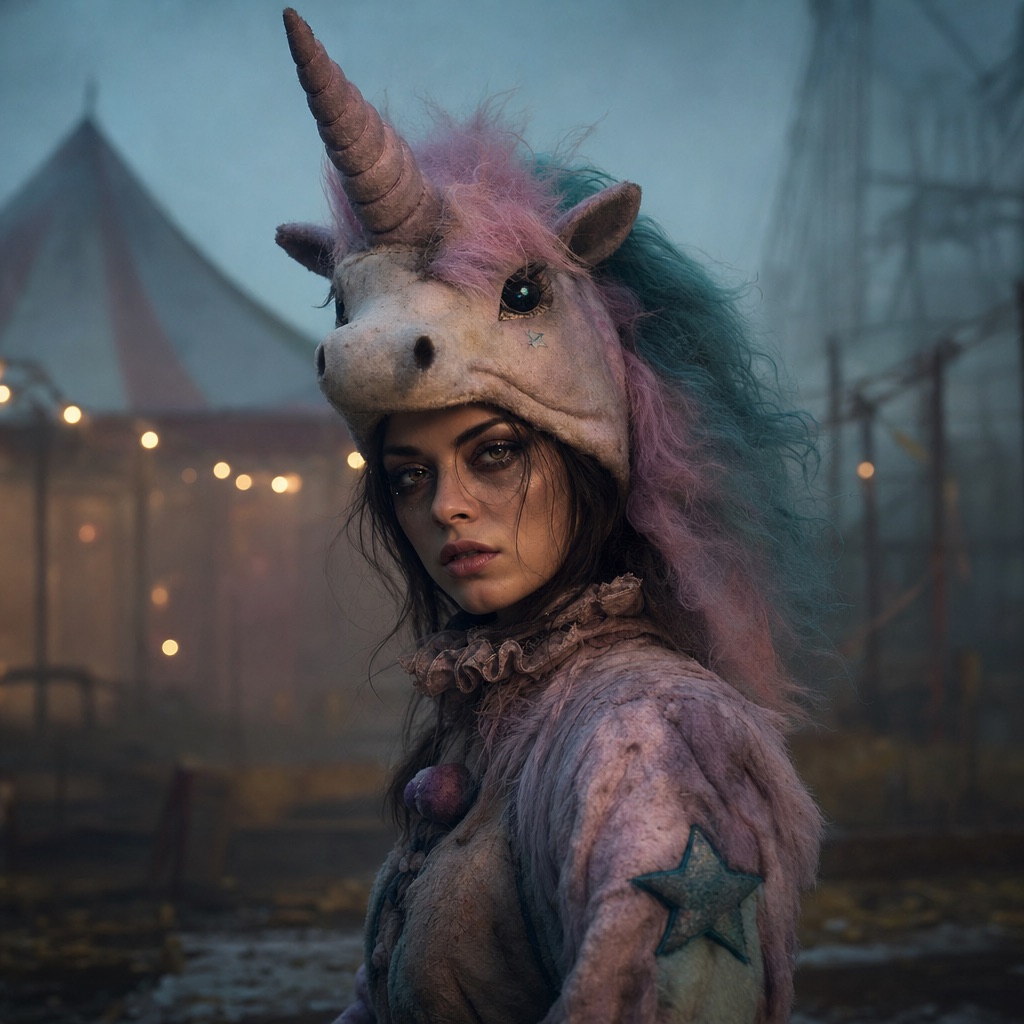
An original haunted-carnival unicorn mascot look with a wearable headpiece and a knowing smile.
Open this preset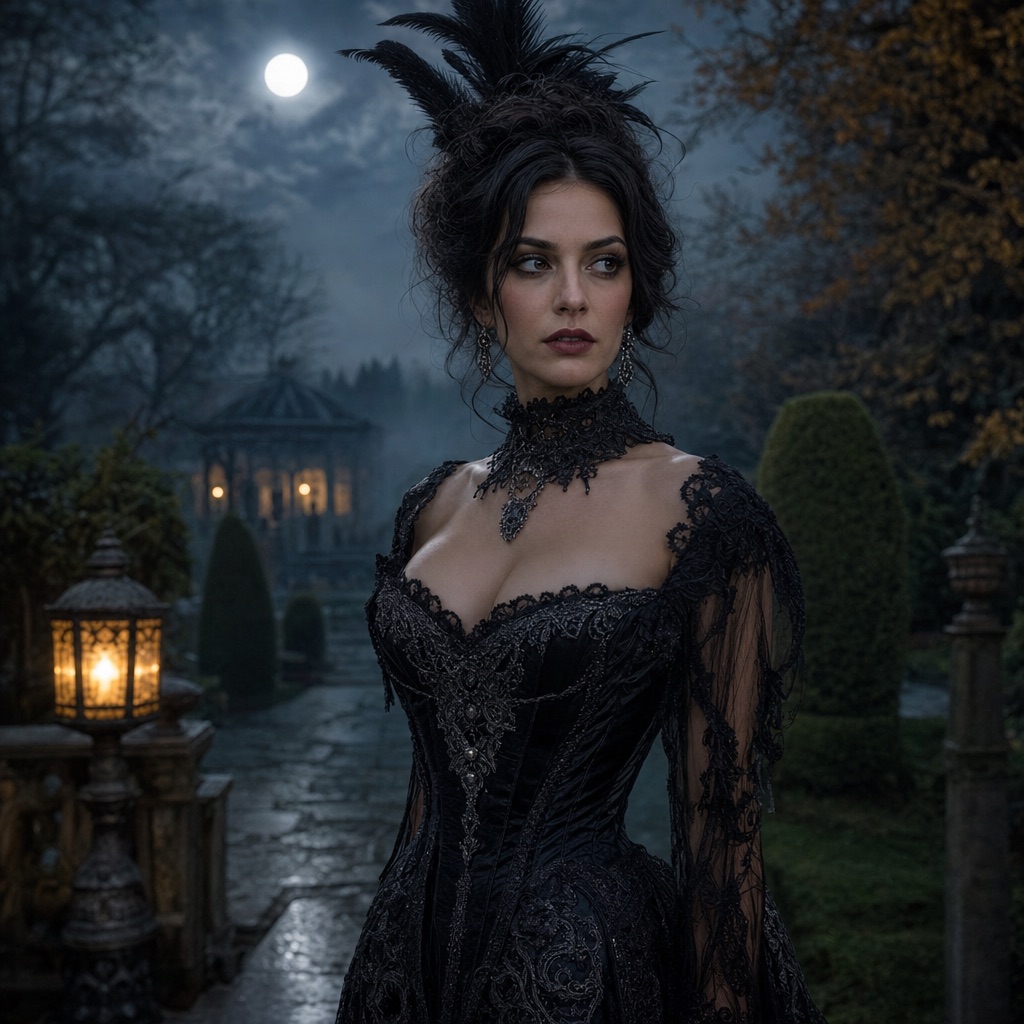
A controlled image-to-video pass: a slow head turn, moving hair, drifting fog, and a gentle push-in.
Open this presetThere are three outputs. A still portrait is the fastest and cheapest: one photo in, one edited image out, normally in well under three minutes. A short video takes a finished portrait and adds controlled motion; it is the right choice when you want a social clip rather than a profile picture. A prompt is free: copy the instruction, run it in the generator here or paste it into another model you already pay for.
The studio is built for costumes, not for changing who someone is. The prompts explicitly tell the model to preserve facial identity, skin tone, body proportions, and the number of people in the photo. That constraint is what makes a costume edit look like the same person wearing something new, instead of a stranger with a similar hairstyle.
Pick a look and open its preset page. The page explains what the prompt changes, what it leaves alone, and which source photos work best. The generate button opens the studio with the mode and prompt already filled in, so you only upload a photo and press generate.
For image edits, upload one clear photo for a single-person look or two photos for a couple look. For video, upload the finished portrait rather than the original selfie; the model then has a consistent costume, lighting, and framing to animate. You can preview the result before downloading, and your task history keeps the prompt and output together.
If you want a profile photo, start with Midnight Braids or Cosmic Princess. Both are waist-up portraits with a strong silhouette and a readable background. If you want something playful for a group chat, Pumpkin Pet is the lowest-friction option because it does not depend on a human face. If you are making a couple photo, use Cowboy & Angel and upload two separate, front-facing photos with similar lighting.
If you are chasing a trend, read the trend page first. It separates the costume idea from the copyrighted character, then points to an original preset that captures the same mood without pretending to be an official costume.
An image generation costs 80 credits. A video costs more because it renders many frames; the exact amount is shown before you confirm. You can see the exact balance and buy only the credits you need on the pricing page; there is no requirement to subscribe for a single Halloween photo.
Image tasks usually finish in one to three minutes. Video tasks take longer because they render many frames. The studio shows the task status and keeps the result in your activity history. If a provider rejects a task, the error is shown in the interface; failed generations should not be treated as a finished result.
Upload only photos you have the right to use. For a friend, partner, or family member, ask before uploading. For a pet, use a photo you took or one you have permission to edit. Do not upload photos of minors for costume generation without a parent or guardian present.
Treat generated images as edited media, not as evidence of a real event. If you publish a costume photo, label it as AI-generated when the platform asks, and do not present it as a real product photo or a real costume you are selling.
You can browse every preset and copy every prompt for free. Generating an image costs 80 credits; a video costs more, and the exact amount is shown before you confirm. New accounts may receive starter credits; check the pricing page for the current amount.
The prompts instruct the model to preserve facial identity, skin tone, and proportions. Results are strongest with a sharp, front-facing photo in even lighting. Extreme angles, heavy filters, and very low-resolution photos make identity preservation less reliable.
No. The upload, generation, preview, and download flow runs in the browser. You need an account so the task can be saved to your history and credits can be charged correctly.
Yes. Cowboy & Angel accepts two reference photos and keeps exactly two people. Pumpkin Pet is built for a single animal and preserves breed, fur color, and markings. Use separate generations for a group of three or more.
Most image edits finish in one to three minutes. Video takes longer because every frame is rendered. The studio shows the current task status, and you can leave the page and return to your activity history later.
Treat the output as an AI-assisted image and check the terms that apply to your account and the model provider before commercial use. Do not use a generated costume to imply endorsement by a film, brand, or character owner.
Upload one selfie and generate a photorealistic Halloween costume portrait. Six costume looks, identity-preserving edits, 80 credits per image, no app install.
Halloween Photo EditorEdit a photo for Halloween: swap the background, add fog and lantern light, refine costume details, and keep the face recognizable. 80 credits per image.
AI Halloween Trends 2026The 2026 Halloween looks people are searching for, translated into AI photo and video presets: haunted unicorn, midnight braids, cosmic princess, robot.
Midnight Braids Halloween LookTurn a selfie into a gothic Halloween portrait with long violet braids, a velvet outfit, and a moonlit garden. Full prompt recipe, 80 credits per image.
Cosmic Princess Halloween PortraitCreate a celestial Halloween princess portrait with a midnight-blue gown, silver embroidery, and a starry observatory. Full prompt and 80-credit generation.
Halloween Robot CostumeGenerate a wearable robot costume portrait with metal panels, blue LED accents, and cinematic lighting. The face stays human. Full prompt and 80 credits.
Pumpkin Pet Halloween PhotoTurn a pet photo into a cozy Halloween portrait with a soft pumpkin costume, autumn studio lighting, and preserved fur markings. Full prompt and 80 credits.
Cowboy & Angel Couple Halloween PhotoUpload two photos and generate a coordinated couple Halloween portrait: one western cowboy look, one luminous angel look, both faces preserved. 80 credits.
Haunted Unicorn Halloween PortraitGenerate an original haunted unicorn mascot costume portrait with a pastel horn, plush mane, and foggy carnival scene. Face stays visible. 80 credits.
Halloween AI Video EffectsTurn a Halloween portrait into a short AI video: slow head turn, drifting fog, glowing lanterns, and a gentle camera push-in. Image-to-video in the browser.
Animate a Halloween PhotoUpload a costume photo and animate it with a controlled head turn, hair movement, and drifting fog. A practical image-to-video workflow with a prompt recipe.
Halloween AI PromptsCopy 20 structured Halloween AI prompts for costume portraits, pets, couples, and short videos. Each prompt states what to preserve, change, and avoid.
Last updated October 20, 2026. Prices and credit costs can change; the pricing page and the generator show the current amount before you confirm a generation.