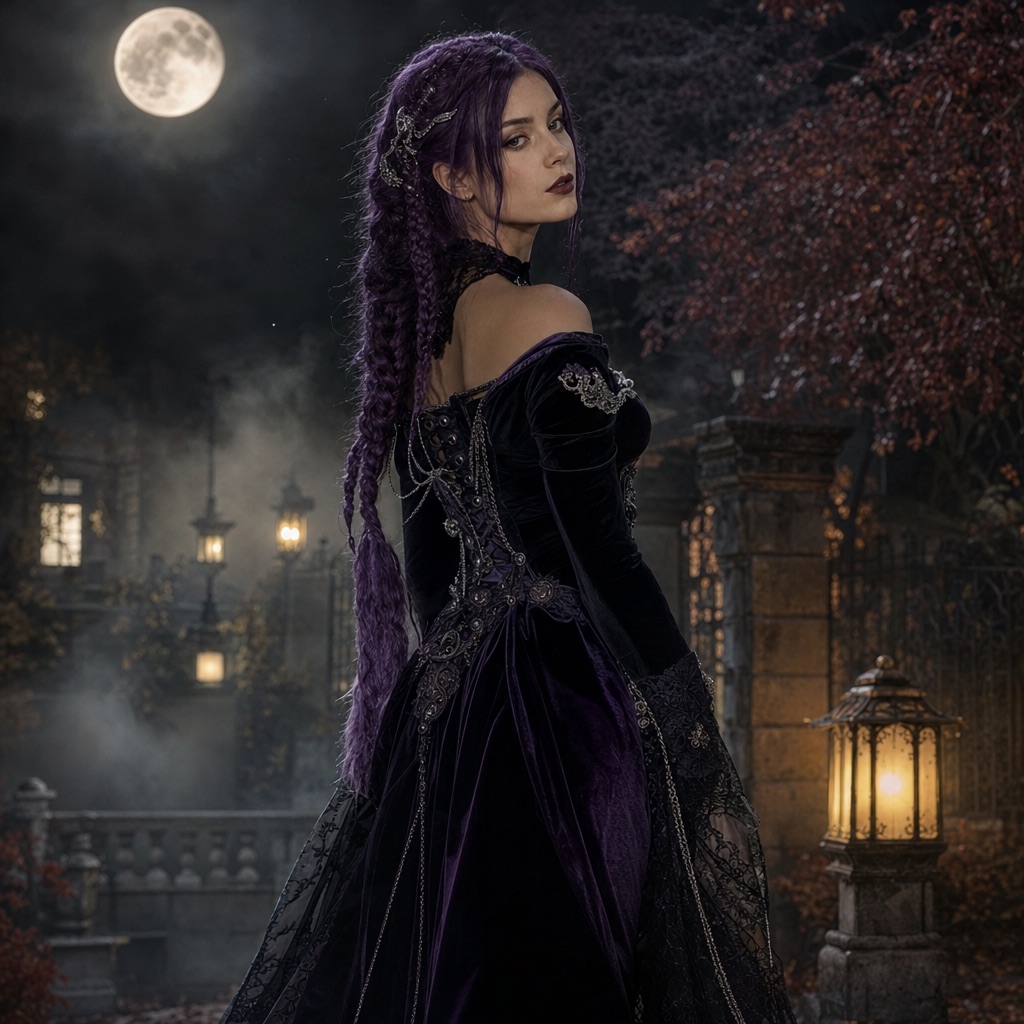
Midnight Braids
1 photoA gothic editorial portrait with long violet braids, velvet, and a moonlit garden.
Open this presetThese prompts are written for image-editing models, including Gemini image models, ChatGPT image generation, and the models available in this studio. Each one follows the same structure: what to preserve, what to change, how to light the scene, and what to avoid.
Copy a prompt into the model you already use, or open the matching preset here to run it with your photo. The prompts are free to copy. Generation costs depend on the model and the number of images you make.
80 credits per image. Video costs more and is shown before you generate. No app install.
This seasonal guide is written in English. Interface labels follow your selected language.
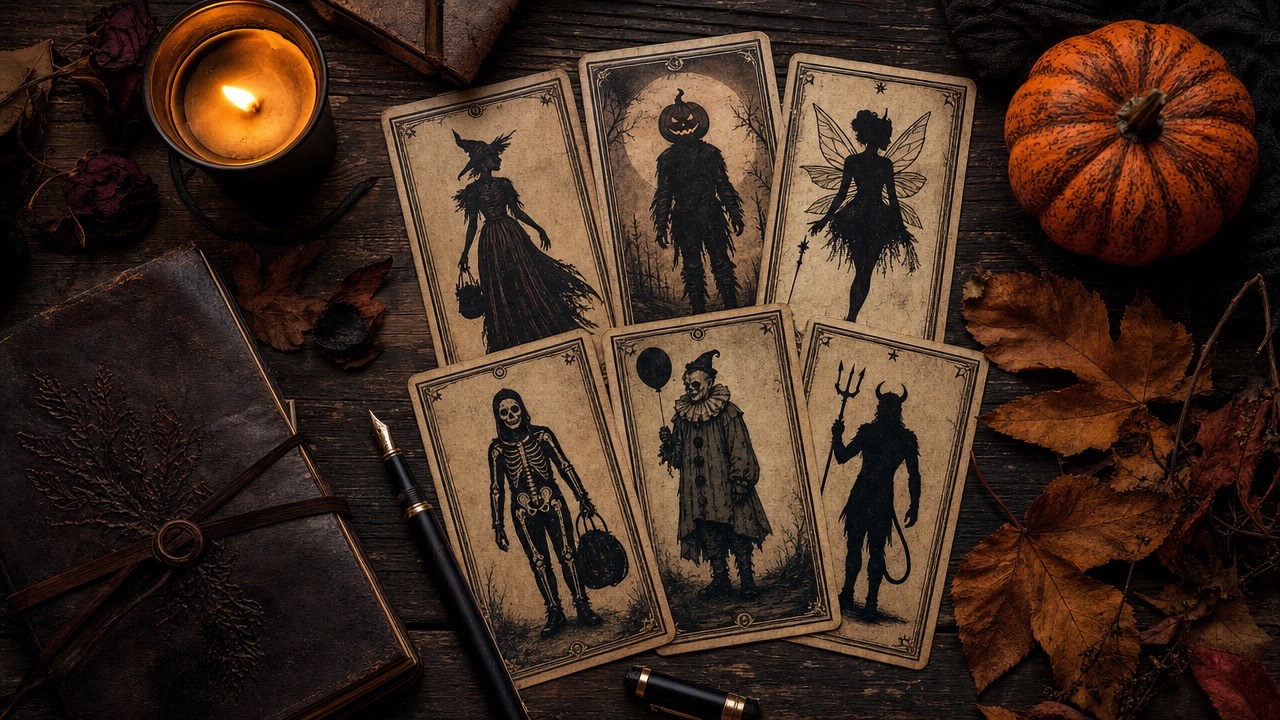
Every prompt starts by naming what must stay recognizable: face, skin tone, proportions, and the number of people.
Each prompt names a specific hairstyle, garment, material, scene, and lighting direction instead of vague mood words.
Extra limbs, face swaps, text, logos, and watermarks are listed so the model has a clear boundary.
Each card opens the studio with the prompt and mode already loaded. Upload a photo and press generate.
A gothic editorial portrait with long violet braids, velvet, and a moonlit garden.
Open this preset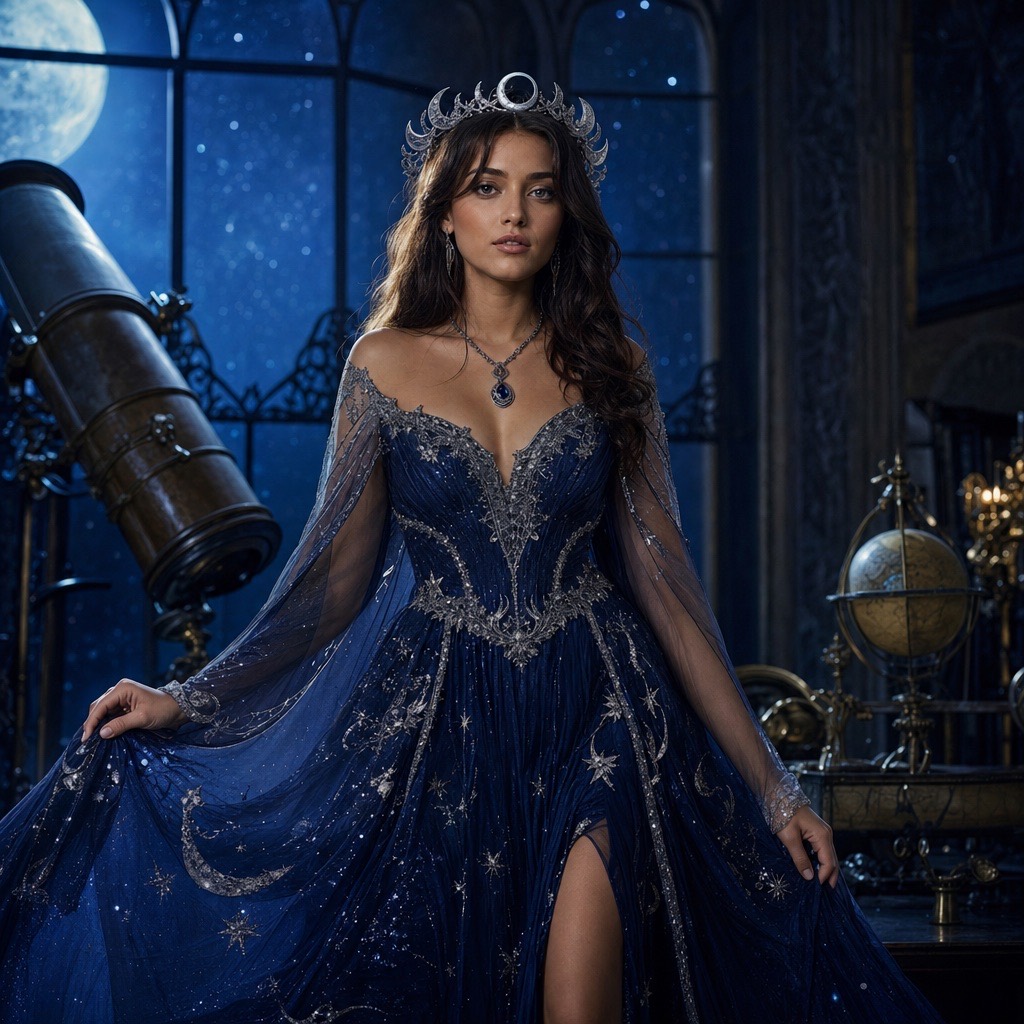
A celestial princess portrait with a midnight-blue gown, silver embroidery, and a starry observatory.
Open this preset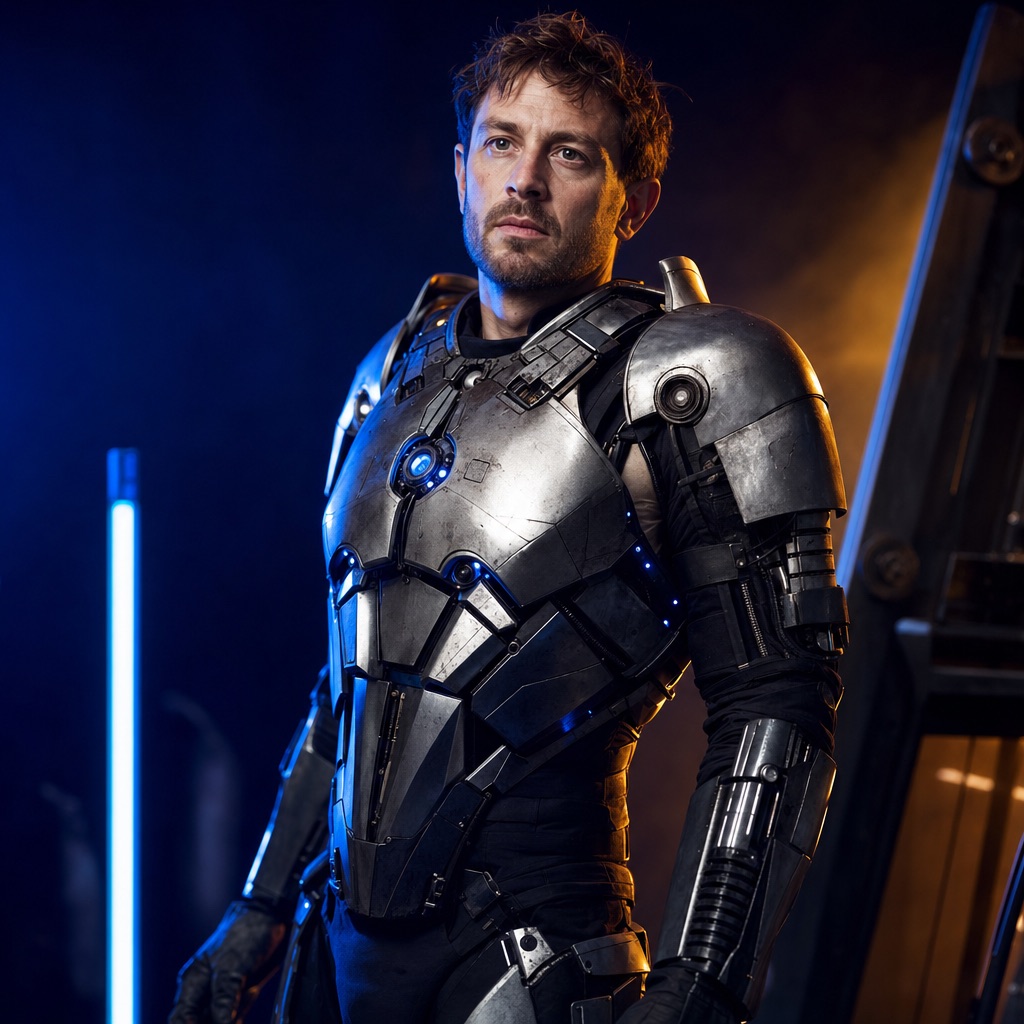
A wearable robot costume with metal panels and blue LEDs, built around a real face.
Open this preset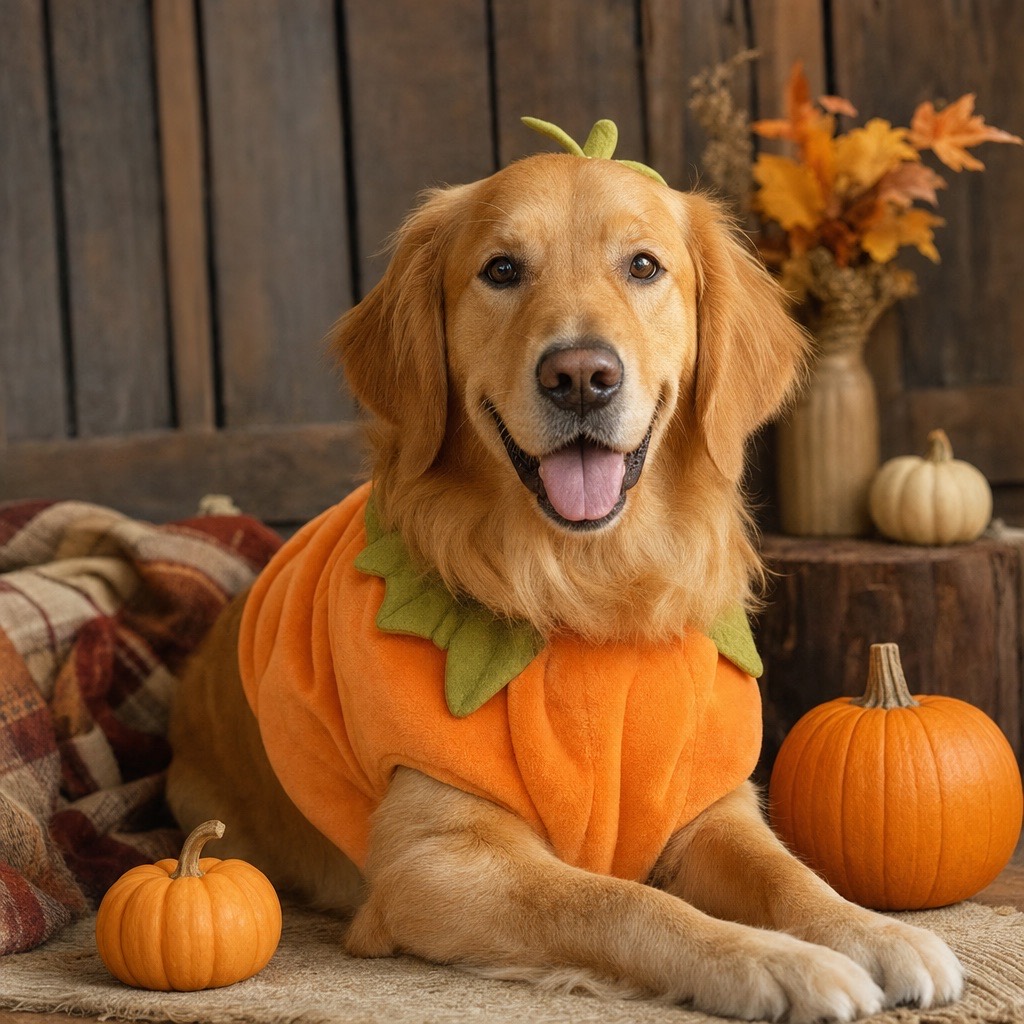
A cozy autumn pet portrait with a soft pumpkin costume that keeps the animal recognizable.
Open this preset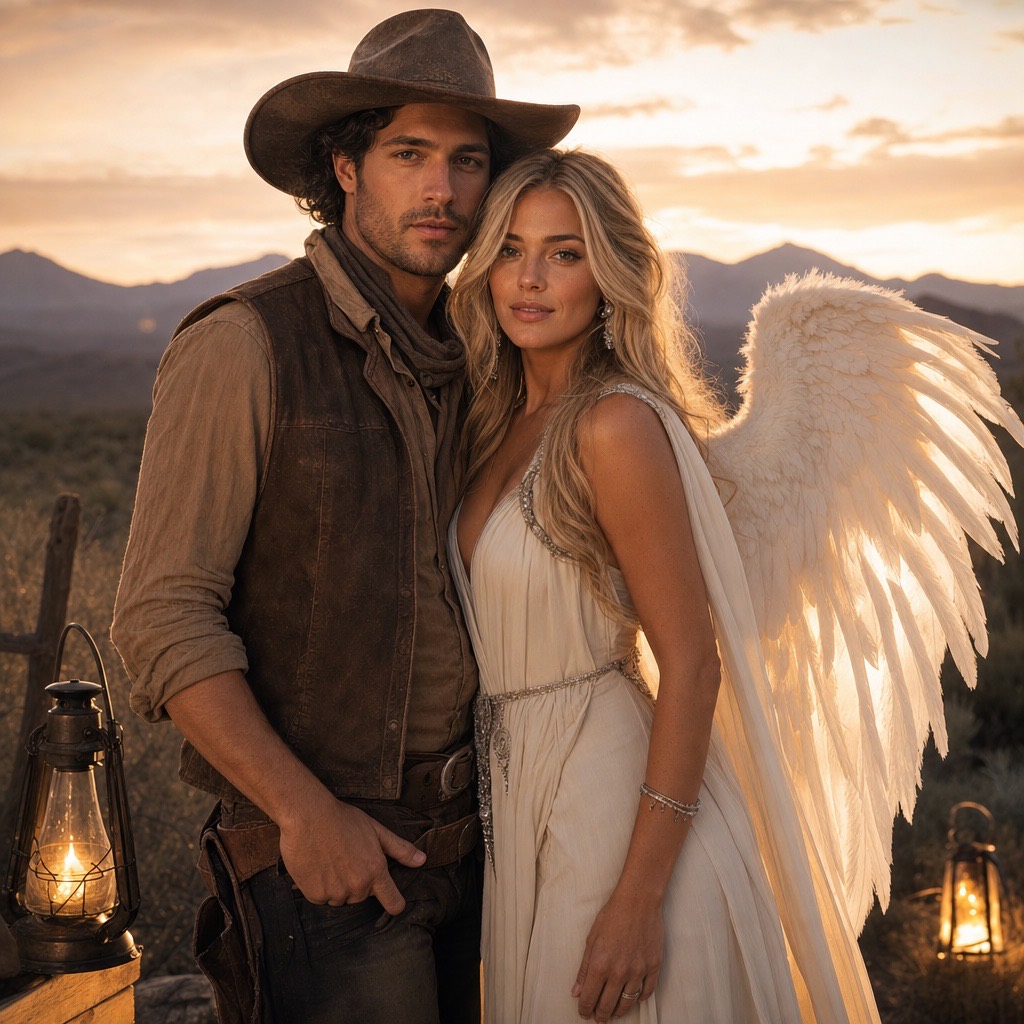
A two-person Halloween portrait that keeps both faces consistent in one coordinated scene.
Open this preset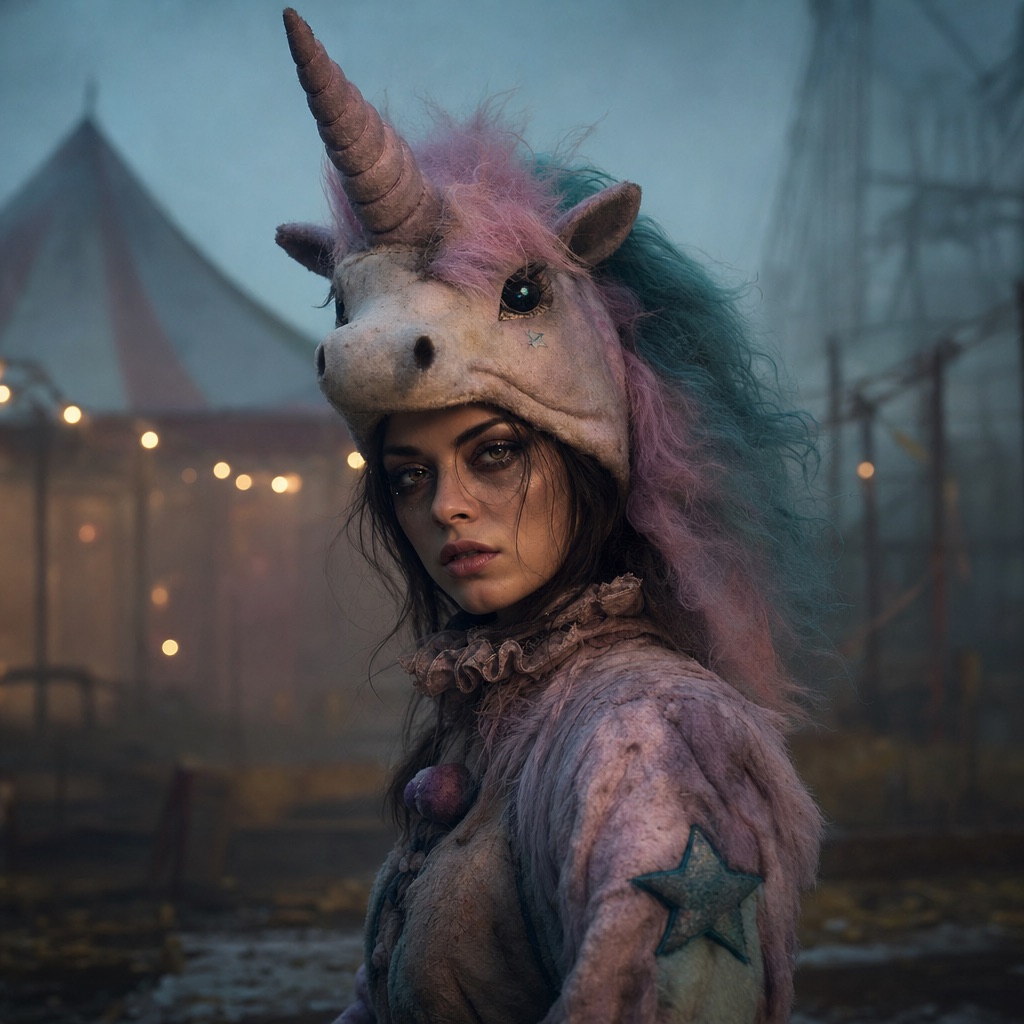
An original haunted-carnival unicorn mascot look with a wearable headpiece and a knowing smile.
Open this preset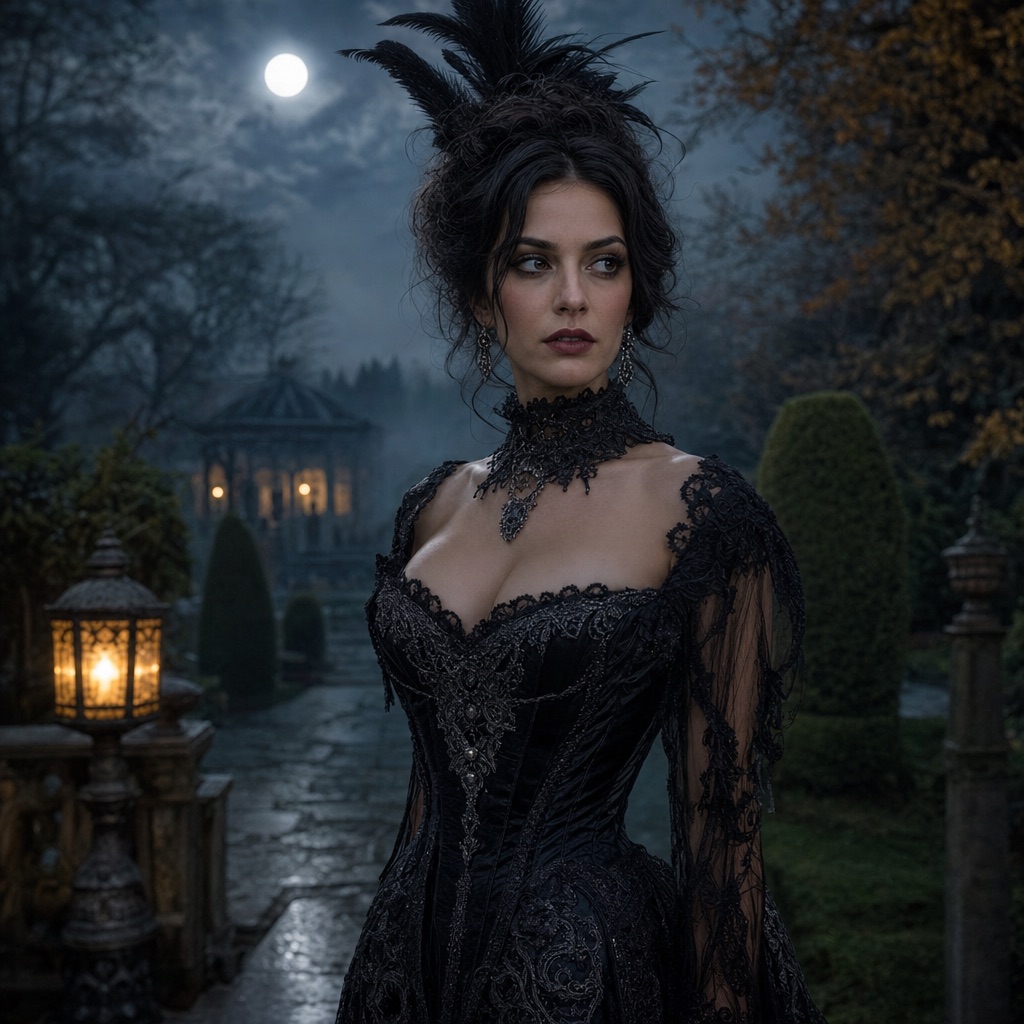
A controlled image-to-video pass: a slow head turn, moving hair, drifting fog, and a gentle push-in.
Open this presetTwenty prompts grouped by what you are generating. Each one keeps the same preserve / change / light / avoid structure.
Single-person looks that keep the face recognizable. These are the safest first prompts.
Use the uploaded photo as the primary reference. Preserve the face, skin tone, age, and natural anatomy. Change the hair into long violet braids with silver accessories, replace the outfit with a black-and-purple velvet costume, and place the subject in a moonlit Victorian garden with fog and lanterns. Photorealistic editorial photography. Keep the same number of people. Avoid face changes, extra limbs, text, and watermarks.
Open the full presetEdit the uploaded photo into an original celestial princess portrait. Preserve the face, skin texture, pose, and body proportions. Replace the outfit with a midnight-blue gown with silver embroidery and glowing star patterns, add a silver moon crown, and set the scene in a moonlit observatory. Cinematic rim lighting. Avoid face changes, extra people, text, and watermarks.
Open the full presetUse the uploaded photo as reference. Preserve the visible human face, proportions, and anatomy. Add an original pastel unicorn headpiece with a spiraled horn and plush mane, keeping the face fully visible. Place the subject in a foggy abandoned carnival at dusk with weak string lights. Photorealistic costume photography. Avoid a full face mask, extra limbs, text, and logos.
Open the full presetTransform the subject into a wearable robot costume. Preserve the human face, skin tone, pose, and body shape. Add metal armor panels, articulated shoulders, and small blue LEDs that look like a real costume. Use blue-and-orange cinematic studio lighting. Do not replace the face with a robot head. Avoid extra limbs, distorted hands, text, and logos.
Open the full presetPrompts that protect breed, fur, and markings before they decorate the scene.
Use the uploaded pet photo as the primary reference. Preserve breed, fur color, markings, eye color, and natural anatomy. Add a soft pumpkin costume with a small green leaf, keep the eyes and muzzle visible, and place the pet in a warm autumn studio with miniature pumpkins. Photorealistic pet photography. Avoid extra animals, unnatural paws, text, and watermarks.
Open the full presetPreserve the pet’s breed, fur, markings, and anatomy. Add a soft glow-in-the-dark dinosaur costume with small felt spikes and a visible face opening. Use a dim room with a gentle green glow and a clean floor. Photorealistic pet portrait. Avoid extra animals, duplicated limbs, text, and logos.
Preserve the pet’s breed, fur, markings, and anatomy. Add a rounded baked-potato costume with a foil wrap and a small pat of butter on top, keeping the face and paws visible. Use a warm kitchen counter scene with soft window light. Photorealistic pet portrait. Avoid extra animals, unnatural paws, text, and logos.
Preserve the pet’s breed, fur, markings, and anatomy. Add a small wizard robe with a pointed hat that sits behind the ears, not over the eyes. Place the pet on a wooden table with candlelight and old books. Photorealistic pet portrait. Avoid covering the eyes, extra animals, duplicated limbs, text, and watermarks.
Two-reference prompts. The priority is keeping exactly two identities and no third person.
Use the two uploaded photos as references for two people. Preserve each face, skin tone, and body proportions. Dress one person as a cinematic cowboy and the other as a luminous angel with feathered wings. Place them in a warm desert dusk scene with soft haze and lantern light. Keep exactly two people. Avoid face swapping, a third person, merged bodies, extra limbs, text, and watermarks.
Open the full presetUse two reference photos. Preserve each person’s face and identity. Dress one as a soft vintage ghost with translucent layers and the other as an elegant ghoul with charcoal fabric and silver details. Place them in a foggy graveyard with a weak moon. Keep exactly two people. Avoid face swapping, a third person, merged bodies, text, and logos.
Use two reference photos. Preserve each face and body proportion. Dress one in warm gold celestial armor and the other in silver-blue lunar robes. Place them against a twilight sky with a visible sun and moon. Keep exactly two people, with clear space between them. Avoid face swapping, extra people, merged hands, text, and watermarks.
Use two reference photos. Preserve both identities. Dress one in a formal black vampire coat with a subtle red lining and the other in a pale period outfit with a lace collar. Place them in a candlelit manor hallway. Keep exactly two people and a consensual, non-graphic pose. Avoid gore, face swapping, a third person, text, and logos.
Keep the person and costume; change only the scene. These are the safest edits.
Keep the subject, face, pose, and clothing unchanged. Replace the background with dark autumn foliage, add low fog and a soft lantern glow from the left. Preserve skin texture and natural colors. Photorealistic editorial portrait. Avoid changing the face, adding people, text, and watermarks.
Keep the subject and costume unchanged. Replace the background with an autumn field, miniature pumpkins, and warm late-afternoon light. Add a gentle breeze in the hair only. Preserve identity and body proportions. Avoid changing the outfit, adding people, text, and logos.
Keep the subject and pose unchanged. Replace the room with a dim abandoned hallway, add a weak practical light and a distant window. Use cool shadows with a warm edge light. Preserve the face and clothing. Avoid jump-scare imagery, extra people, text, and watermarks.
Keep the subject and costume unchanged. Relight the scene with warm candlelight from below and a soft cool rim light from behind. Darken the background and add subtle haze. Preserve skin tone and identity. Avoid changing the face, adding props in front of the face, text, and logos.
Use these with a finished portrait in an image-to-video model. Keep the motion small.
Use the provided image as the exact reference and first frame. Keep the face, costume, hairstyle, and body proportions consistent. The subject slowly turns their head toward the camera with a subtle expression. A light breeze moves loose hair. Fog drifts in the background. The camera pushes in slowly. No scene cuts, no identity change, no text.
Open the full presetUse the provided image as the exact reference. Keep the subject completely still. Soft fog drifts through the background from left to right, and a distant lantern flickers gently. The camera holds steady. No face movement, no costume change, no new characters, no text.
Use the provided image as the exact reference. Keep the face and body still. A gentle breeze moves loose hair and the edge of the costume. The background stays stable. Slow, smooth motion with stable anatomy. No identity change, no scene cuts, no text.
Use the provided image as the exact reference. Keep the subject still. Warm lantern light gently pulses in the background while fog moves slowly. The camera pushes in a few centimeters. Maintain consistent lighting on the face. No costume change, no extra characters, no text.
Paste the full prompt into an image-editing model and upload a photo. If the model has a separate “negative prompt” field, move the “avoid” sentence there. If it does not, leave the sentence in the main prompt; most modern models understand it.
Change one sentence per run. If you change the hair, the costume, and the background at once, you cannot tell which change caused a problem. Keep the preservation sentence and the negatives unchanged unless you have a specific reason to edit them.
Image models are good at following concrete visual instructions and bad at guessing which parts of a photo are sacred. The preservation sentence establishes the boundary. The change sentences describe the costume. The lighting sentence controls the mood. The negative sentence blocks the most common failures.
This structure also makes prompts portable. The same recipe works in different models; only the model’s tolerance for long instructions changes. If a model truncates long prompts, keep the preservation sentence and the costume sentence, and move the scene details to a second pass.
Gemini image models tend to follow long natural-language instructions well and can edit a reference image directly. ChatGPT image generation is strong at following conversational corrections; after the first result, ask for one specific change instead of pasting a new prompt. This studio uses KIE-hosted image and video models, with 80 credits per image; video costs more and the exact amount is shown before you confirm.
If a model refuses a costume prompt, remove the brand or character name and describe the silhouette and materials instead. Original descriptions are more likely to pass and produce a usable image.
Use photos you have the right to edit. Ask before uploading a friend, partner, or family member. Do not use a generated costume to imply that a real product exists or that a film or brand endorsed the image.
When you publish, label the image as AI-generated if the platform asks. The goal is a fun costume photo, not a fake photograph of a real event.
Yes. Paste the prompt into an image-editing or image-generation model that accepts a reference photo. The structure — preserve, change, light, avoid — is model-agnostic. If the model has a separate negative prompt field, move the “avoid” sentence there.
The prompts on this page are free to copy. Running them in this studio costs 80 credits per image; video costs more and the exact amount is shown before you confirm. Running them in another model costs whatever that provider charges.
Image models tend to change whatever is not explicitly protected. Repeating the face, skin tone, proportions, and number of people is the most reliable way to keep a costume edit looking like the same person.
You can edit the creative sentences, but be careful with named characters and brands. The original descriptions in these prompts are intentionally generic so the result is an homage, not a copy. If you name a copyrighted character, you take on the legal and platform risk.
Start with a single-person portrait such as Midnight Braids or Cosmic Princess. They are the easiest to evaluate: one face, one costume, one background. Move to couples and video after you have a still you like.
Upload one selfie and generate a photorealistic Halloween costume portrait. Six costume looks, identity-preserving edits, 80 credits per image, no app install.
Halloween Photo EditorEdit a photo for Halloween: swap the background, add fog and lantern light, refine costume details, and keep the face recognizable. 80 credits per image.
Midnight Braids Halloween LookTurn a selfie into a gothic Halloween portrait with long violet braids, a velvet outfit, and a moonlit garden. Full prompt recipe, 80 credits per image.
Pumpkin Pet Halloween PhotoTurn a pet photo into a cozy Halloween portrait with a soft pumpkin costume, autumn studio lighting, and preserved fur markings. Full prompt and 80 credits.
Cowboy & Angel Couple Halloween PhotoUpload two photos and generate a coordinated couple Halloween portrait: one western cowboy look, one luminous angel look, both faces preserved. 80 credits.
Halloween AI Video EffectsTurn a Halloween portrait into a short AI video: slow head turn, drifting fog, glowing lanterns, and a gentle camera push-in. Image-to-video in the browser.
Last updated October 20, 2026. Prices and credit costs can change; the pricing page and the generator show the current amount before you confirm a generation.